By Ozzun Team · October 19, 2026
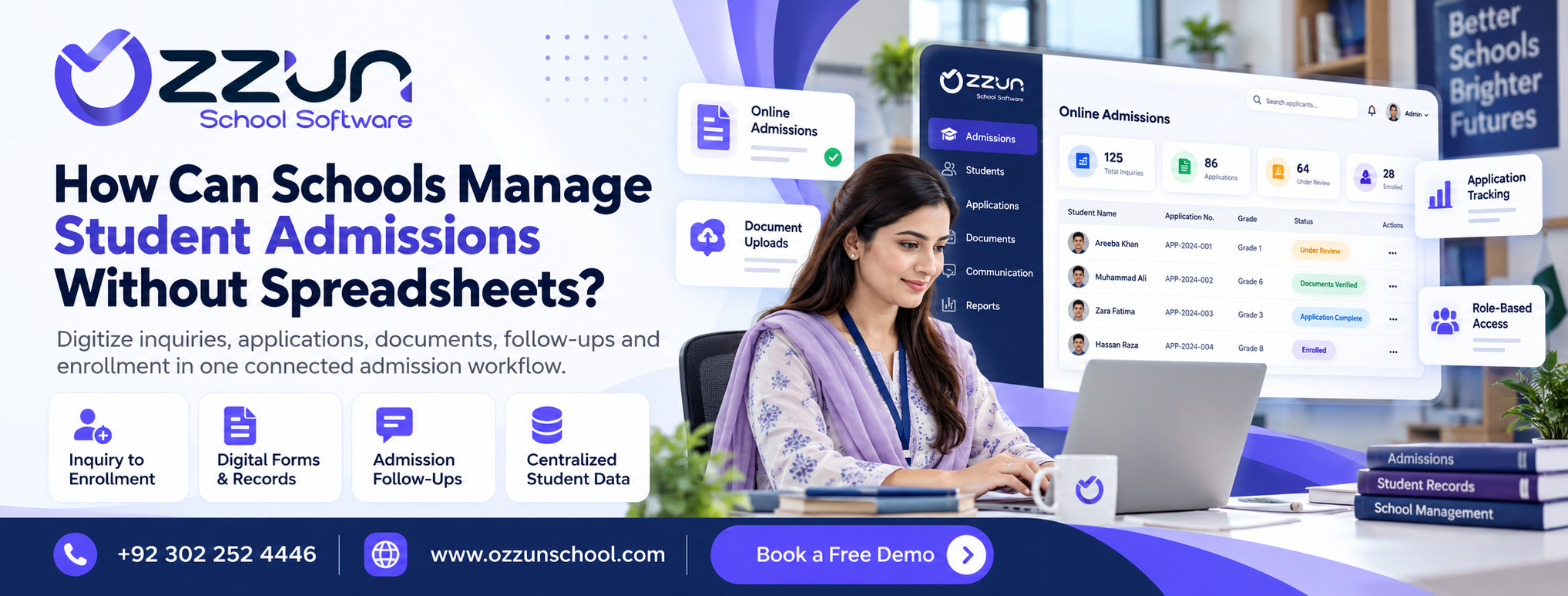
School admission management software helps schools manage applications, student details, documents, follow-ups, and enrollment records in one system. Rather than working from multiple spreadsheets and paper files, schools can track every applicant from initial inquiry through to confirmed admission, allowing the process to be quicker, more organized, and easier for staff to manage.
When everything is done through spreadsheets, printed forms, WhatsApp messages, and separate files, it can become difficult to admit students.
As inquiries increase, schools may find it hard to keep track of which students have applied, which documents are missing, who has completed the process, and who still needs follow-up.
This is where the school admission management software can prove to be a big difference.
A centralized admission system helps the schools keep the whole process organized from the very first inquiry to final enrollment.
But when you have a small number of applications, spreadsheets can work.
But with rising admissions come common problems:
These issues waste time during busy admission periods.
The school admission system can make the complete admission process easier.
It allows schools to manage:
Staff can review everything from one place, rather than checking multiple files.
| Area | Spreadsheets | Admission Management Software |
| Student Records | Stored manually | Organized in one system |
| Application Status | Updated manually | Easier to track |
| Documents | Kept separately | Linked with student records |
| Follow-ups | Often manual | Can be tracked systematically |
| Duplicate Entries | More common | Easier to control |
| Staff Access | Separate files | Centralized access |
| Enrollment History | Harder to manage | Structured record keeping |
Keep All Apps In One Place
Each applicant must have a clean record.
This could mean:
Less confusion, less data entry.
Admission teams often ask for copies of CNIC, B-forms, photographs, records of previous school, or other documents.
A digital system can make it easy for staff to quickly see what documents are complete and what documents are still needed.
Some parents are applying but not completing the process immediately.
Instead of handwritten notes, schools can track follow-up information for every applicant.
This makes handling it easier:
A centralized system means different staff members have access to the same up-to-date information.
This can help to reduce the situation where one member of staff has information that others do not have.
Such as:
Every step can be connected in a system.
Ozzun School can help schools with digital admission management as part of a wider school management system.
Instead of re-entering the same information after enrollment, schools can link admission records with student profiles, documents, classes, and administrative data.
Doing so can save time and reduce manual work during busy admissions periods.
Before selecting a system, verify if it supports:
The system should be easy to use for the day-to-day work of the admissions staff.
What is software for managing school admissions?
It is software that enables schools to digitally manage student queries, applications, documents, follow-ups, and enrollment records.
Can schools ditch spreadsheets altogether?
Yes, a lot of the admission stuff can be moved to a centralized system, and some schools might still keep spreadsheets for a time or a report.
Yes, you can digitally store admission documents.
Yes. An important applicant document can be monitored or stored by the school within a digital system.
Does admission software do follow-ups?
Yes. It can help staff track pending applications, missing documents, and parent communication.
Once enrolled, can admission information be part of a student record?
Yes. With a good school management system, you can turn admission data into a student profile without having to re-enter the same data.
School admission management software can help schools go paperless and move away from scattered spreadsheets and manual records.
Schools can manage inquiries, applications, documents, follow-ups, and enrollment in one place, making admissions more organized and easier to manage for staff.
A centralized admissions process can help to alleviate confusion and streamline the admissions process for schools that experience a high volume of applications.
Book a free walkthrough and we'll show you how Ozzun fits your school's workflow.
Get Free Demo