
Result day usually means teachers working late on mark sheets, the office printing result cards, and parents waiting at the school gate. Sharing results online makes the whole process faster and lets parents see their child's performance as soon as it is ready.
Step 1: Enter marks once
Each teacher enters marks for their own subject and class in the school system. There is no need to collect paper mark sheets or copy them into a master spreadsheet.
Step 2: Let the system do the calculations
Totals, percentages, grades and class positions are calculated automatically from your grading scale. This removes the most common source of mistakes on result cards.
Step 3: Review and publish
The principal or exam coordinator reviews the results, then publishes them. Until then, parents see nothing.
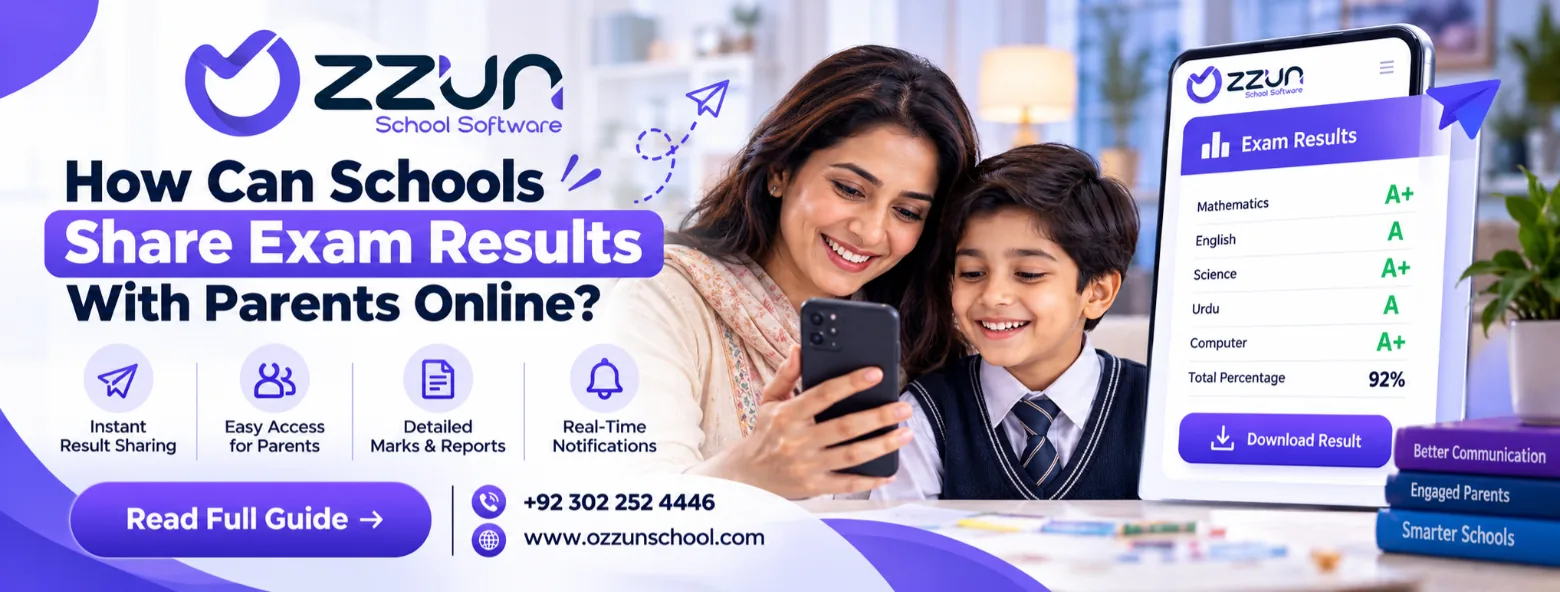
Step 4: Parents see results in the app
Once published, each parent sees their own child's result in the parent app — subject marks, grades and percentage — and can compare with earlier terms.
Step 5: Print result cards when needed
Result cards and award lists are ready to print for the school's records or for parents who want a paper copy.
Paper results vs online results
| Area | Paper process | Online process |
|---|---|---|
| Marks | Paper sheets collected | Entered once by each teacher |
| Calculation | By hand or spreadsheet | Automatic |
| Result cards | Prepared one by one | Generated for the whole class |
| Sharing | Result day at school | In the parent app |
| History | Old files | Every term saved |
Keep results private
Online results must be private. Each parent should see only their own children's results, and only after the school publishes them. Teachers should only be able to enter marks for their own classes.
Results in Ozzun School
In Ozzun School, teachers enter marks by subject, grades and percentages are calculated for them, result cards are printable for the whole class, and parents see their own child's results in the app. This is included in every plan, including Free.
Frequently asked questions
Can we use our own grading scale?
Yes. You set your own grades and exam terms.
Can parents see previous results?
Yes. Results from earlier terms stay in the student's record.
Run your school on Ozzun School
Admissions, fees, attendance, results, payroll and parent chat in one system. Free up to 99 students, no setup fee.