
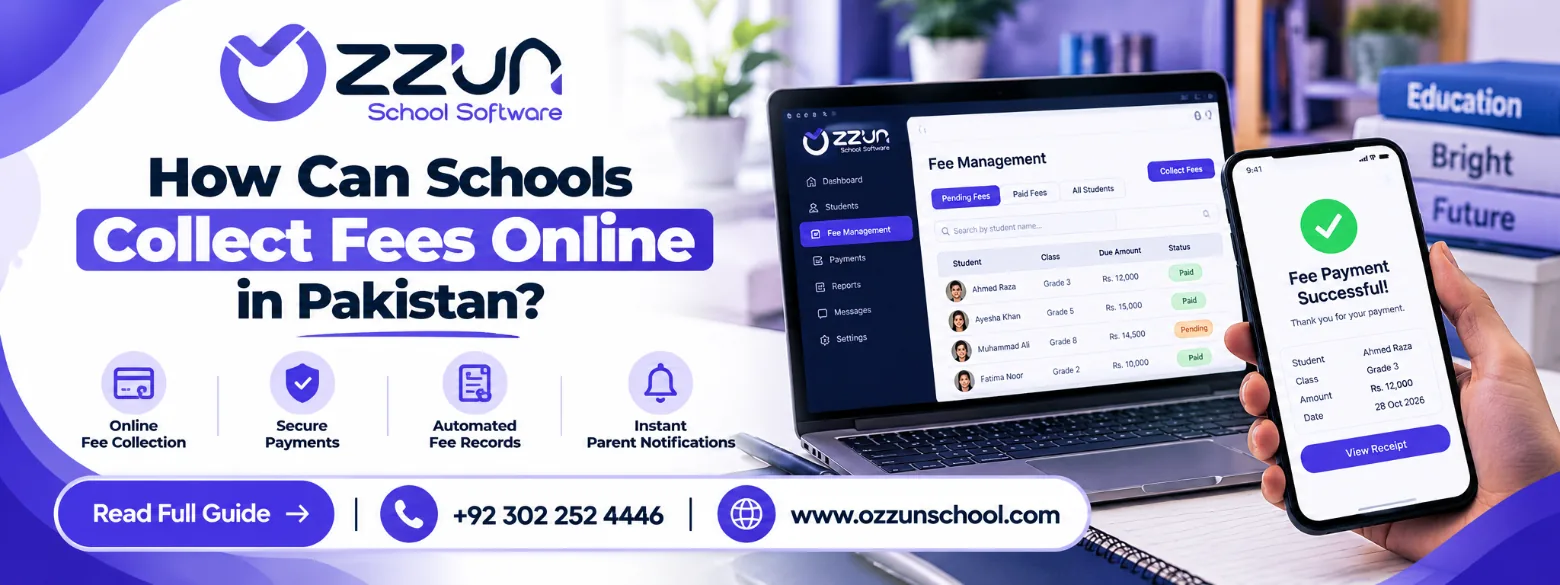
Schools in Pakistan can now collect fees online without parents queueing at a bank or the school office. A school management system keeps every student's fee record up to date, issues vouchers, accepts digital payments and marks fees as paid — so the accounts office handles less cash and fewer slips.
The problem with manual fee collection
- long queues at the accounts office on the first days of the month
- bank slips that have to be checked and entered by hand
- payment history that is hard to find
- repeated calls and letters to remind parents
- receipts that go missing
As a school grows, this work takes days every month.
Ways parents can pay online
- 1Bill (1LINK): the voucher carries a 1Bill number that parents pay from almost any bank app, internet banking, ATM, or wallet such as Easypaisa.
- Bank transfer with proof: parents transfer to the school's account and upload a photo of the receipt in the app.
- Cash at the office or bank: still recorded in the same system, so all payments are in one place.
How to start collecting fees online
1. Set up each student's fee
Define the fee structure for each class — tuition, admission, annual charges, transport — and any discounts or scholarships for individual students.
2. Generate monthly vouchers
The system makes every student's voucher for the month in one go, with arrears and discounts already calculated.
3. Let parents pay digitally
Parents download the voucher on their phone and pay with the 1Bill number, or transfer and upload proof.
4. Match payments automatically
With 1Bill, the payment comes back to the school's system and the voucher is marked paid by itself. With proofs, the accountant approves the photo with one click and a receipt is issued.
5. Follow up on dues
The office sees exactly who has paid, who has paid part, and who is overdue — by class, by family or for the whole school.
Manual vs online collection
| Area | Manual | Online |
|---|---|---|
| Payment | Cash or bank slip | Bank app, 1Bill, wallet or transfer |
| Fee record | Entered by hand | Updated automatically |
| Receipts | Written manually | Issued digitally |
| Dues | Register or spreadsheet | One live list |
| Reminders | Calls and letters | App notifications |
| Reports | Prepared by hand | Ready instantly |
Fee reports the owner needs
- collection by day and by month
- defaulters and overdue amounts
- class-wise and family-wise dues
- each student's complete fee history
Online fees in Ozzun School
Ozzun School makes monthly vouchers with arrears, sibling discounts and fines worked out, and every parent can download the voucher and upload a payment proof in the app — on every plan, including Free. On the Standard plan and above, vouchers also carry a 1Bill number: parents pay from any bank app, and the fee is marked paid in Ozzun automatically.
Frequently asked questions
Can parents pay without visiting the school?
Yes. They can pay with the 1Bill number from a banking app or wallet, or transfer and upload a proof.
Is online fee collection safe?
Yes, when payments go through regulated banks and 1LINK, and the school system limits who can see fee records.
Is it worth it for a small school?
Yes. Even with 80 students, digital vouchers and a live list of dues save hours every month. Ozzun School is free for schools with up to 99 students.
Run your school on Ozzun School
Admissions, fees, attendance, results, payroll and parent chat in one system. Free up to 99 students, no setup fee.