How to Choose the Best School Management Software in Pakistan in 2026
A practical checklist for choosing school management software in Pakistan: student records, attendance, fees, exams, parent access, payroll, security and price — and the tests to run in a demo.

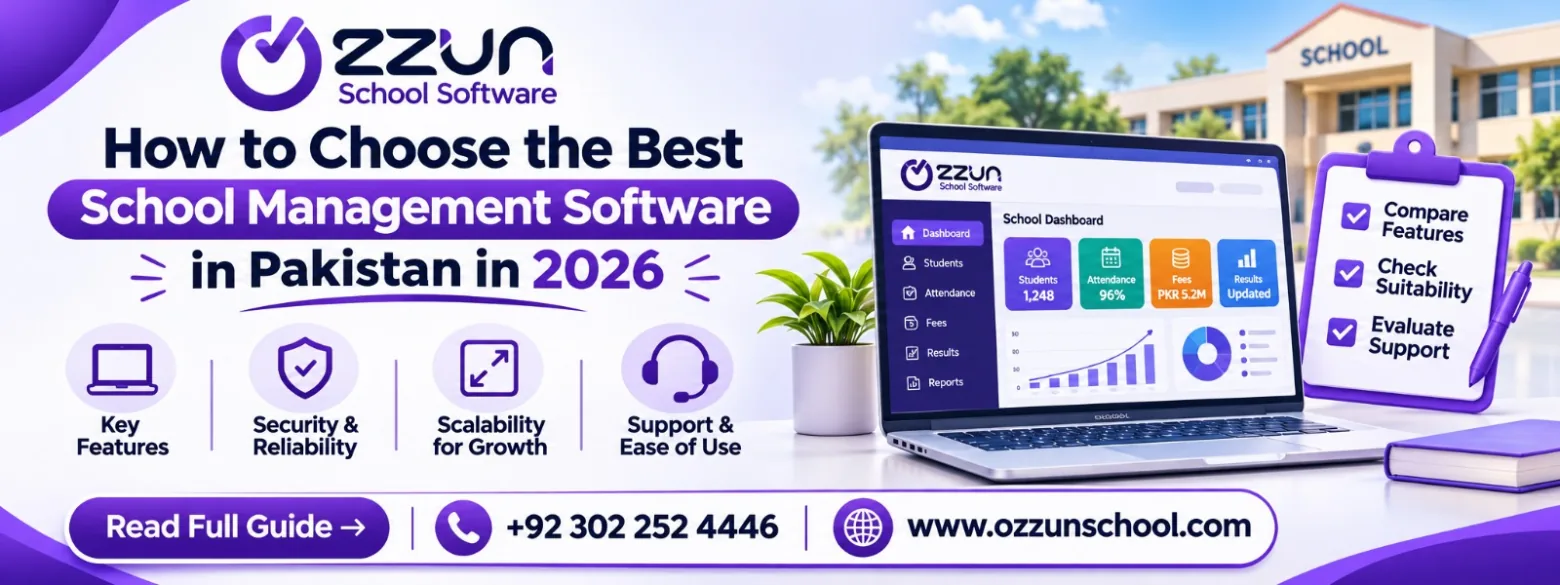
Choosing school management software is a decision your office will live with every day. The right system makes fees, attendance and results easier; the wrong one adds work. Here is a practical checklist for schools in Pakistan, and the tests to run before you decide.
1. Student information
The software should keep a complete record for every student: profile and photo, class and section, admission details, parent details, siblings, documents and status. Look for automatic G.R. numbers and student IDs, and the ability to see students who have left.
2. Attendance
Daily attendance should take a teacher less than a minute. Check that it records present, absent and leave, produces monthly summaries, covers staff as well as students, and lets parents see their own child's attendance.
3. Fee management
This is where most systems are tested hardest. Make sure the software can handle:
- different fees for different classes and individual students
- sibling, staff-child and welfare discounts
- arrears that carry forward automatically
- annual charges, installments and late fines
- printable fee slips, receipts and fee reports
- payment proofs sent by parents, and online payment if you need it
4. Exams and results
Teachers should be able to enter marks by subject, with grades and percentages calculated for them, and result cards printed or shared with parents. End-of-year promotion should move whole classes at once.
5. Parent and student access
A good parent app reduces calls to the office. Parents should see fees, attendance, results, homework and notices for all their children from one login.
6. Staff, HR and payroll
Staff records, leave, allowances, deductions and salary slips should be in the same system as everything else, so salaries are not prepared in a separate spreadsheet.
7. Roles and security
Each person should see only what their role allows: a teacher their classes, a parent their own children, the accountant fee records. Ask where the data is stored and how it is protected.
Features to compare
| Feature | What to look for |
|---|---|
| Student records | G.R. numbers, siblings, documents, history |
| Attendance | Fast class marking, leave, staff, parent view |
| Fees | Discounts, arrears, fines, slips, reports |
| Results | Automatic grades, printable result cards |
| Parent app | One login for all children |
| Payroll | Allowances, deductions, salary slips |
| Security | Role-based access, trusted cloud hosting |
| Price | Clear, published pricing |
Test it with real tasks
Before you choose, try these in a demo or a free account:
- Admit a student with a sibling already in the school.
- Mark attendance for a full class.
- Generate a month's fee vouchers and record a payment.
- Enter exam marks and print a result card.
- Add a teacher and check what they can see.
- Log in as a parent and look at the fee voucher.
What about price?
Many vendors only give a price after a sales call. Ozzun School publishes its prices: free for schools with up to 99 students, Rs 75 per student per month for 100–300 students, Rs 60 per student per month for 300–600 students, and a special rate above 600. There is no setup fee.
Frequently asked questions
Is school management software useful for small schools?
Yes. Even a small school saves hours each month on fee vouchers and attendance. Ozzun School is free for schools with up to 99 students.
Can school software manage staff salaries?
Yes. Ozzun School includes payroll, with allowances, deductions and printable salary slips.
Run your school on Ozzun School
Admissions, fees, attendance, results, payroll and parent chat in one system. Free up to 99 students, no setup fee.